How to Build a Contract Review Workflow That Scales
If contract review still depends on who happens to be online, who has context, or who remembers the fallback clause from last quarter, you do not have a workflow. You have a queue with institutional memory attached to it.
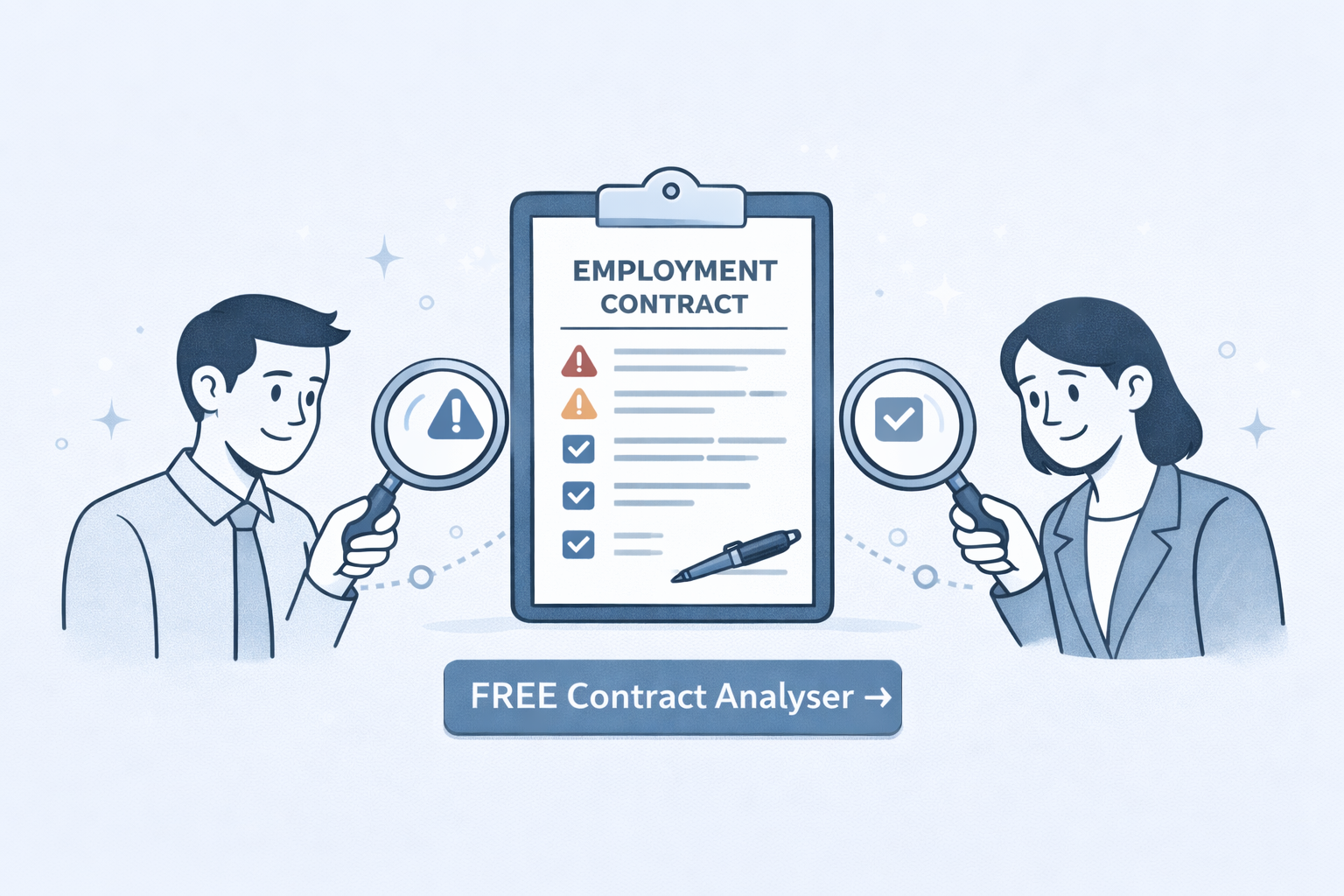
A scalable contract review workflow fixes that. It gives sales, procurement, operations, and legal a shared process for intake, first-pass review, escalation, approval, and handoff. If you want to see what that looks like in practice, start with CompareX's Free Contract Analyser.
Want to test the first-pass layer on a real file? Use the Free Contract Analyser.
1) Start with Intake Discipline
Most review processes break before legal ever sees the contract. They break at intake.
Teams upload or send files with no clear owner, no contract type, no deadline context, and no summary of what changed. Reviewers then spend time reconstructing basic facts instead of evaluating risk.
A clean intake step should capture:
- contract owner
- counterparty
- contract type
- commercial deadline
- whether this is a first draft, redline, renewal, or amendment
- whether any internal policy exception is already known
This sounds administrative, but it is foundational. If intake is inconsistent, everything downstream becomes slower.
2) Triage by Risk, Not by Loudest Request
Without triage, the queue gets prioritized by whoever follows up the most.
That is not a review workflow. That is inbox management.
Triage should route contracts based on:
- financial exposure
- data sensitivity
- regulatory implications
- deviation from approved terms
- urgency tied to revenue or operational deadlines
This lets low-risk agreements move quickly while high-risk matters get deeper scrutiny. It also reduces the common mistake of escalating every unfamiliar clause to legal.
3) Build a Strong First-Pass Review Layer
The first-pass layer is where scale happens.
Instead of asking legal to start from a blank page, the workflow should produce an initial review that answers:
- what the contract is about
- which clauses are unusual
- which clauses are missing
- what changed from prior drafts
- which questions still need judgment
CompareX helps at this step with Risk & Compliance Insights, Gap Analysis, AI Contract Comparison, and Interactive Contract Q&A.
When the first-pass layer is strong, legal receives sharper escalations and business teams move with more confidence.
4) Document Fallback Positions and Escalation Rules
Many review delays happen because teams repeatedly ask for answers that were already given in past negotiations.
That is why every scalable workflow needs two things:
- fallback language for common clauses
- escalation rules for non-standard issues
Your fallback playbook might cover:
- liability caps
- payment timing
- renewal terms
- confidentiality scope
- IP ownership
- data processing language
Your escalation rules might say:
- legal reviews unlimited liability
- procurement reviews supplier pricing deviations
- privacy reviews data transfer terms
- leadership approves exclusivity or long lock-ins
Written rules turn contract review from a personality-driven process into an operating system.
5) Make Version Comparison Part of the Workflow
Many teams design their workflow around a single draft. Real life is messier.
Contracts move through multiple rounds, and the workflow must support:
- side-by-side version comparison
- plain-language summaries of what changed
- fast identification of material deviations
- records of which edits were accepted or rejected
This is why version comparison should not be an optional extra. It should be part of the standard path. CompareX's AI Contract Comparison is designed for exactly that.
6) Define Approval Ownership Clearly
Scalable review breaks down when everyone can comment but nobody owns the decision.
For each contract type, define:
- who owns intake
- who owns first-pass review
- who can approve routine deviations
- who must sign off on high-risk issues
- who owns handoff after signature
This matters because many delays are not caused by analysis. They are caused by uncertainty about who is allowed to decide.
For a broader view on AI operating systems for growing businesses, see Arthur & Co.
7) Keep a Record of What Was Accepted and Why
If each review starts from zero, your workflow never compounds.
A scalable process keeps searchable records of:
- approved fallback positions
- previously accepted deviations
- recurring risk patterns
- contract types that frequently need legal input
- clauses that repeatedly slow negotiation
These records improve consistency, shorten future reviews, and make policy refinement easier.
8) What a Scalable Workflow Looks Like End to End
An effective operating model usually looks like this:
Step 1: Intake
- Contract enters with owner, type, stage, and deadline.
Step 2: Triage
- Contract is routed by risk and urgency.
Step 3: First-pass analysis
- AI summarizes the document, flags gaps, and compares changes.
Step 4: Business review
- Sales, procurement, or operations checks commercial and delivery impact.
Step 5: Legal or specialist escalation
- Only material issues go to legal, privacy, security, or leadership.
Step 6: Approval
- The right decision-maker signs off based on clear thresholds.
Step 7: Handoff and archive
- Final terms are captured for execution and future reuse.
This is what turns contract review into a repeatable business capability instead of a recurring bottleneck.
Final Takeaway
You do not build a scalable contract review workflow by asking people to work harder. You build it by giving the business a shared system for intake, triage, first-pass analysis, escalation, approval, and learning.
CompareX supports that system from the first review onward. Start with the Free Contract Analyser, add AI Contract Comparison for version tracking, and use Interactive Contract Q&A when the team needs fast answers with clause-level context.